01
↳
Capture
Bring in queries, schemas, playbooks, notes, and vault metadata.
SlothQuery transforms SQL queries, schema constraints, and business logic rules into a searchable knowledge base. Designed for analysts and anyone in the organization who wants to understand and write their business-specific SQL with accuracy and speed.
pip install slothquery
 Live package active on PyPI
Every step stays reviewable, local, and connected to the context your organization actually owns.
Bring in queries, schemas, playbooks, notes, and vault metadata.
Extract useful context, then let a human edit and approve what matters.
Ask chat for grounded explanations and dialect-aware SQL from your knowledge.
Everything runs locally on your workstation. No external API feeds can view your private schema structures.
Automatically maps and restricts schema feeds to only include definitions related to the user's specific request. Keep prompts tidy.
Syntactic verification checks run in the background using SQLGlot, helping generated logic fit the selected warehouse dialect and naming conventions.
Editing query context or playbooks triggers real-time ChromaDB updates. Human revisions take top-rank retrieval priority instantly.
Application logic separates cleanly from user data. Database and vectors reside inside your home directory. Updates won't affect files.
A closer look
Move through the product surfaces. The story and the interface change together.
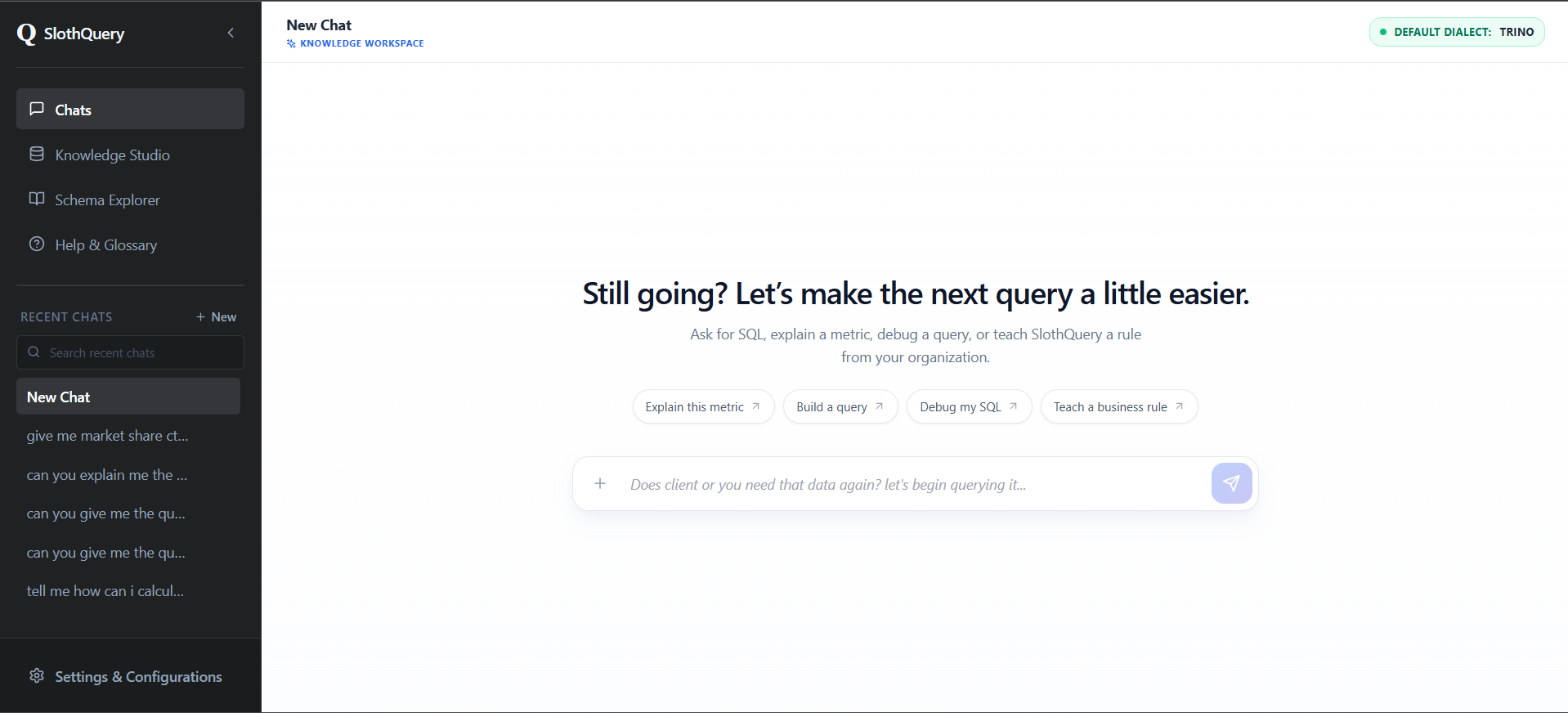
Install, configure, load knowledge, and start asking grounded questions.
Ensure you have Python 3.10+ installed. Then create and activate a virtual environment to keep dependencies isolated:
Launch the app with `slothquery`, then go to Settings → Configurations. Set your LLM API provider, paste your key, test the connection, and save.
Don't have a paid API? Start free — SlothQuery works with Gemini, OpenRouter, and Groq out of the box.
Already have a .slothkb file? Go to Settings → Import to load it instantly.
Starting fresh? Open the Knowledge Studio to start storing your assets, queries, business logics, and contexts.
Select your SQL dialect in the chat panel and start querying.
Ask it to generate SQL, explain metrics, or map out table relationships — all with context-aware accuracy tuned to your schema.
If you reach your API rate limits, switch to a different provider or configure a new model under Settings → Configurations.
To restart the application at any time, simply open your terminal, activate your environment (e.g. activate your sloth_env), and run command:
slothquery
Shape trusted organizational context before it reaches chat.
Create separate Vaults to organize queries, notes, and rules by business function (e.g., Marketing vs. Finance). When querying, choose your SQL Dialect (Snowflake, PostgreSQL, BigQuery, etc.) in the chat panel to instantly trigger dialect-specific background syntax validation.
When preparing SQL files for upload, always add comments near your CTEs and complex subqueries explaining their business intent. Map physical Table Schemas in the studio so the AI learns exactly which columns belong to which tables.
Uploading SQL queries automatically triggers extraction. You'll receive a confirmation popup displaying the parsed unified context: business intent, table schemas, rules, formulas, and logics. You can edit this metadata before saving—human-revised context takes priority during AI retrieval.
Document formulas and metrics constraints in central Playbooks. Use freeform Analyst Notes to capture tribal knowledge or query quirks. The chatbot retrieves and reads all active playbooks and notes before writing a single line of SQL.
Your SQL deserves a memory
Install SlothQuery locally and turn the logic hidden in your SQL into something your whole team can retrieve.
pip install slothquery